
Add Google Translate Api V3 to WYSIWYG editors
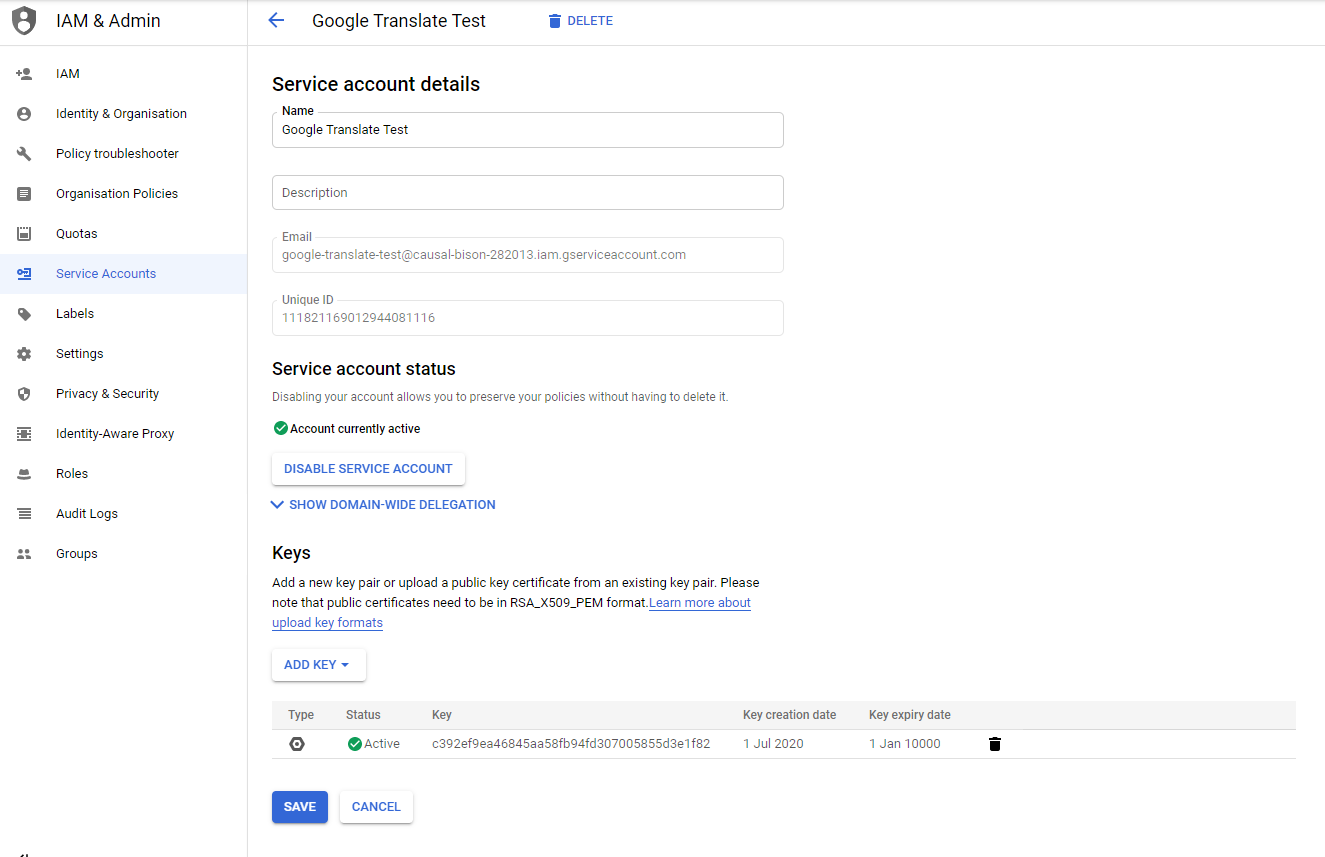
Create a service account with Google for the customer or take over the customer's data and use the JSON file provided by Google for the Cloud environment. This file contains the authorization data from Google in order to use Google Cloud Translate. Upload the file via Custom files in the CMS Advanced module. Copy the link to the file and paste it into the main configuration. Configuration setting: accounts - google_cloud_json_file - URL. Add a config value: locale - translation_lookup - true.
Make sure the Translate v3 API is activated for the Google Cloud account (see https://console.cloud.google.com/flows/enableapi?apiid=translate.googleapis.com&_ga=2.46830759.1253144127.1623939936-1068745618.1604503640).
Attached is an example JSON file, unzip to see what it looks like, the file cannot be actually used because it will not work!
all comments
write a comment